Alerts
EXCLUSIVE FEATURE
Stay ahead of market movements with real-time alerts. Get notified instantly when stocks hit your target prices, reach new highs, or when market conditions change.
For the best experience access QuoteMedia Research Hub on desktop devices or checkout the mobile progress on equity overview.
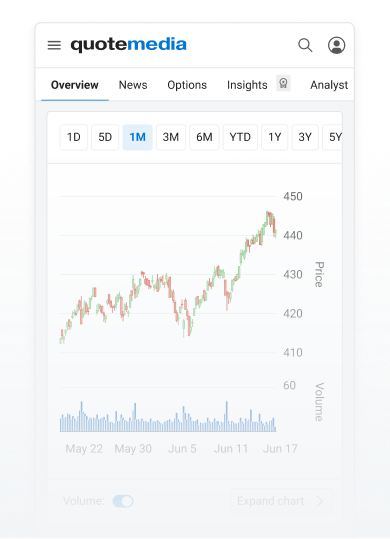
Stay ahead of market movements with real-time alerts. Get notified instantly when stocks hit your target prices, reach new highs, or when market conditions change.
Choose from three alert categories based on what you want to monitor:
- Symbol Alerts: Track individual stock movements, price targets, and technical indicators
- Market Alerts: Monitor broader market conditions, indices, and sector performance
- Watchlist Alerts: Get notifications when any stock in your saved watchlists meets your criteria
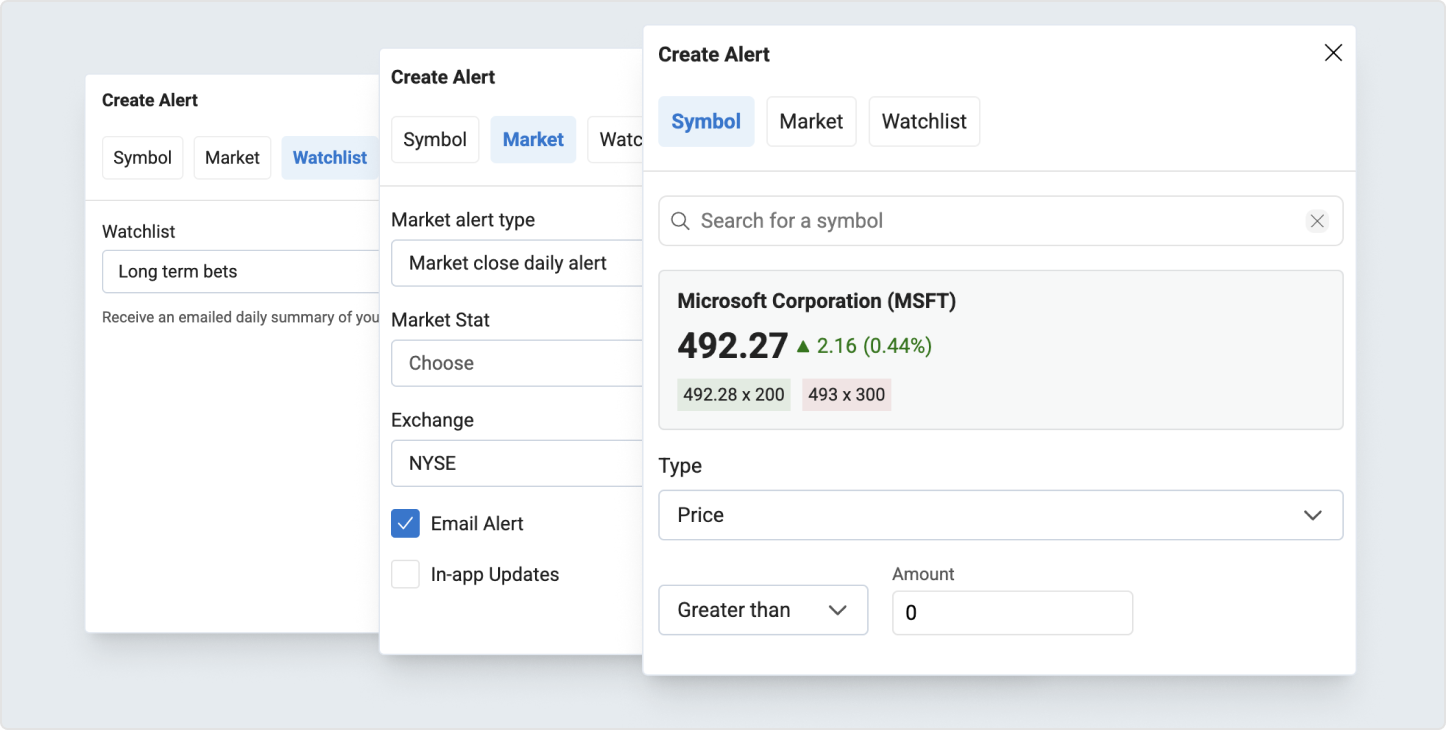
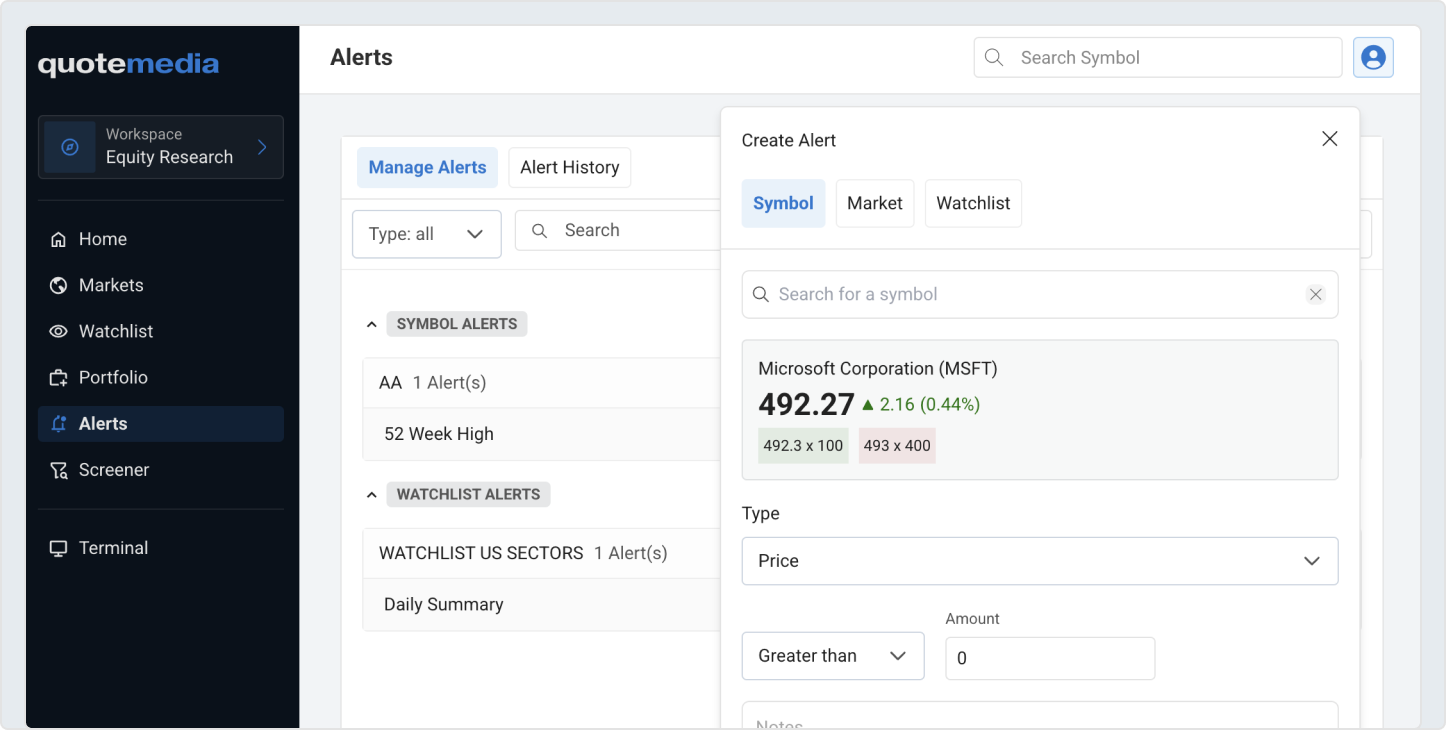
Click the ‘Add Alert’ button to add a new alert, then a dialog will open up, and you can choose what alert type you want and set your trigger conditions.
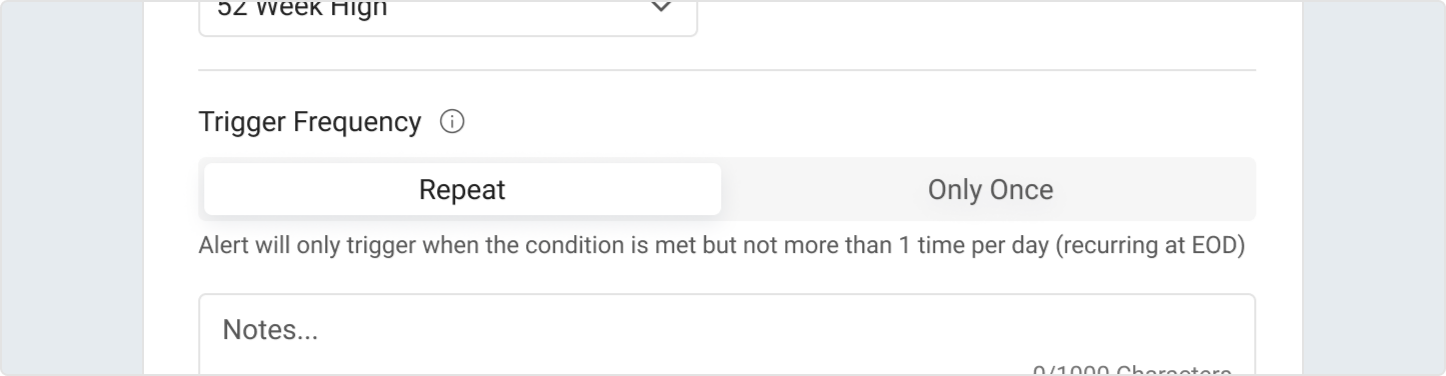
When creating symbol alerts, you can choose how often the alert will notify you: Repeat: The alert will trigger daily when the condition is met, but only once per day. For example, if you set a "52 Week High" alert and the stock reaches a new high multiple times in one day, you'll receive just one notification. The alert resets at the end of each trading day (EOD) and remains active for future notifications. Only Once: The alert will trigger a single time when the condition is first met, then automatically becomes inactive. Once triggered, it will not send additional notifications unless you manually reactivate it through your alert settings. This option is useful for significant events you only want to be notified about once, like breaking through a specific price level. You can reactivate all triggered one-time alerts at once through the alert management settings if you want them to become active again.