Watchlist
EXCLUSIVE FEATURE
With this feature, users can stay updated on their chosen assets and set custom alerts for specific market movements, allowing quick responses to sudden market changes.
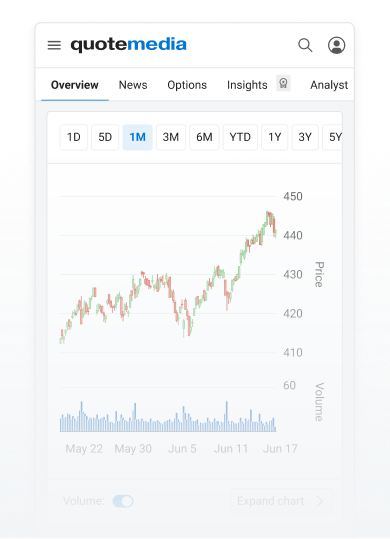
For the best experience access QuoteMedia Research Hub on desktop devices or checkout the mobile progress on equity overview.
With this feature, users can stay updated on their chosen assets and set custom alerts for specific market movements, allowing quick responses to sudden market changes.
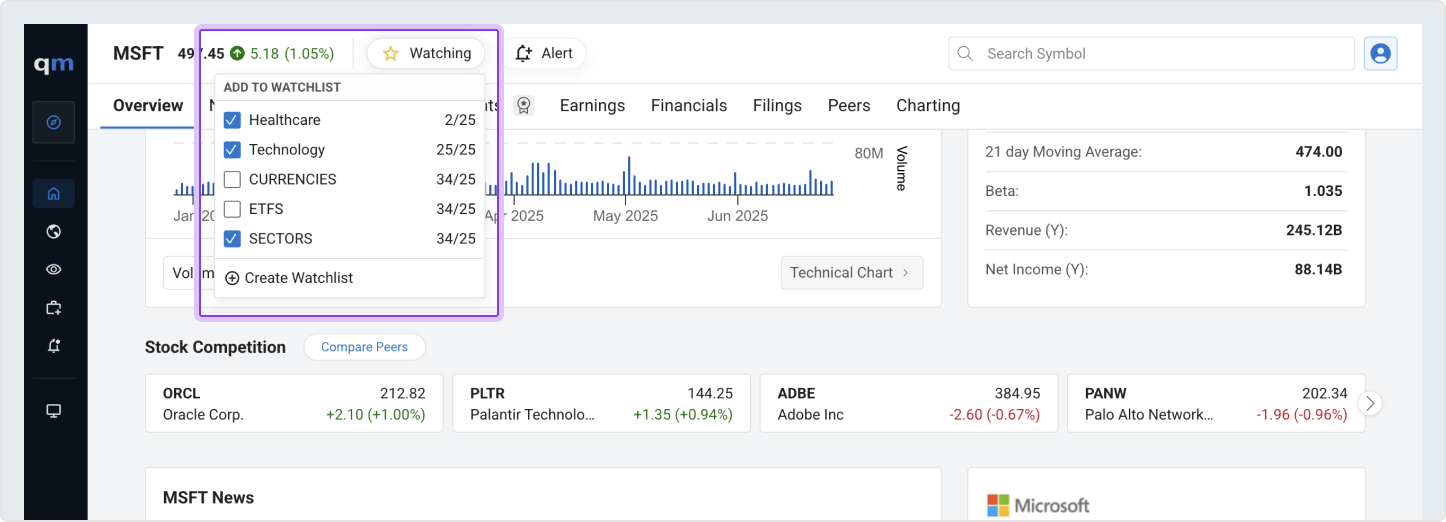
Save a security to your watchlist from the quote details page and track its performance, as well as monitor key updates, all in one place for easy access.
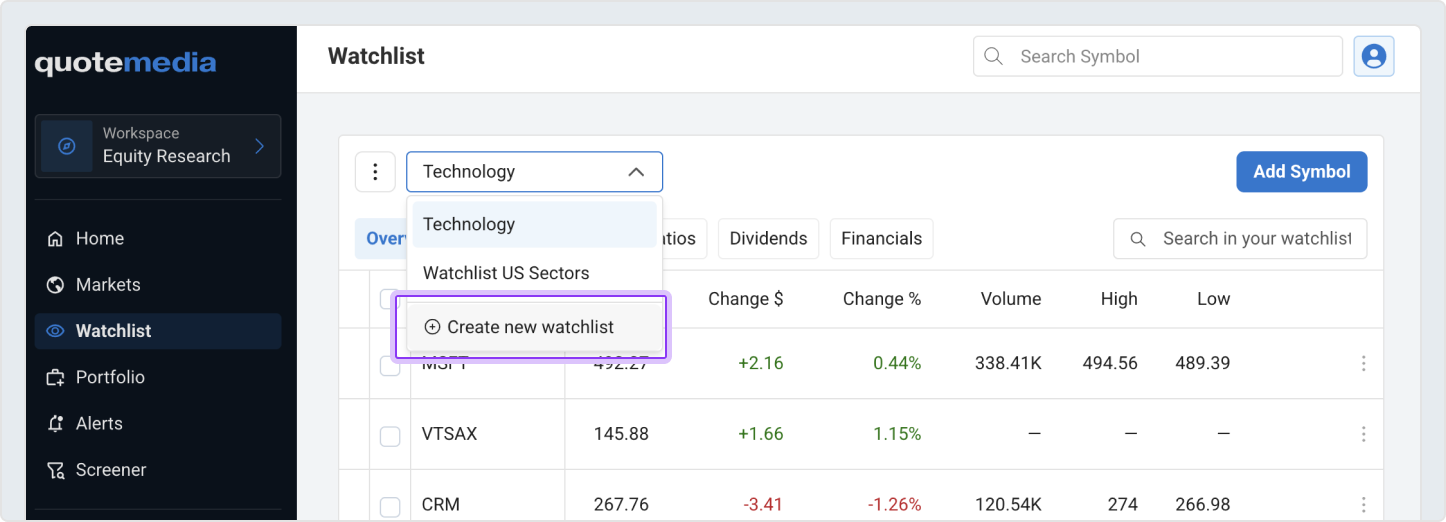
Create a new watchlist by opening the dropdown menu and selecting ‘Create New Watchlist.’ A dialog will then open, allowing you to name your new list and save it.
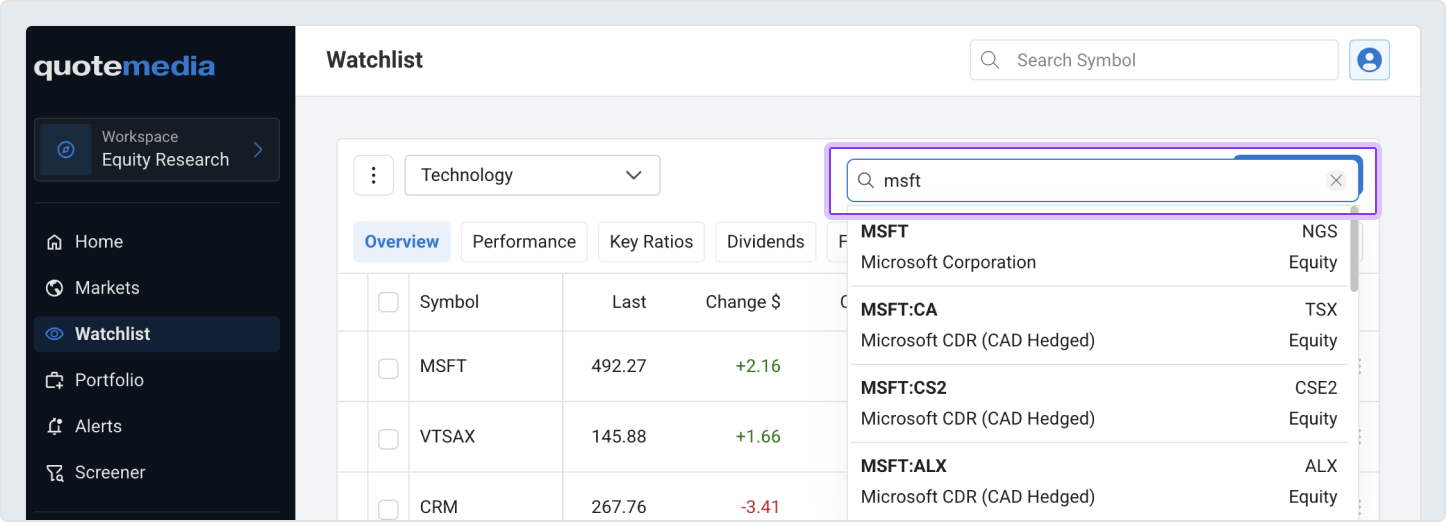
Add a symbol to a watchlist by clicking the blue ‘Add Symbol’ button, then a search bar will open, and then you can type a company name or ticker symbol and select the correct option from the dropdown list.
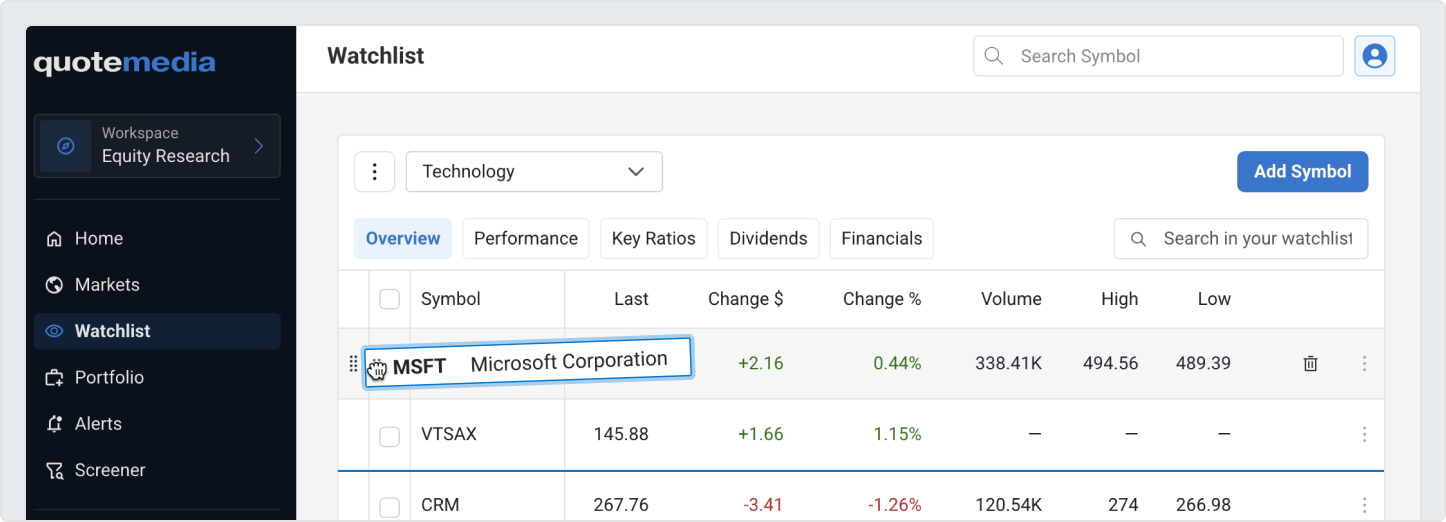
Grab and drag the symbol to reorder your watchlist.
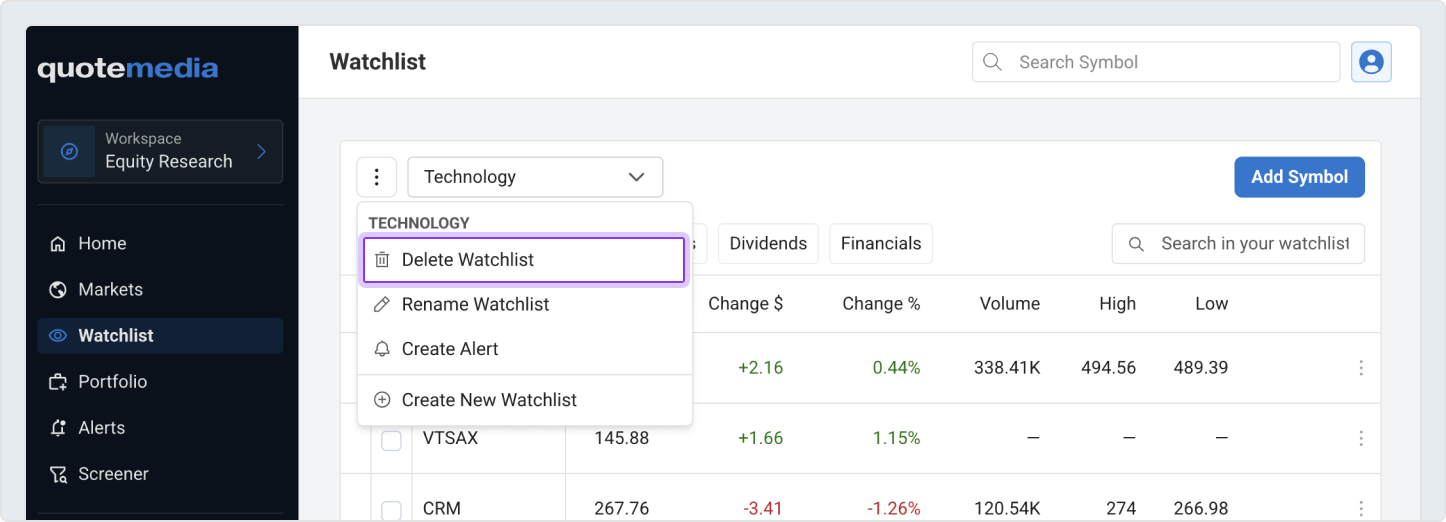
To delete a watchlist, first make sure it's the active one. Then, click the ellipsis (⋯) menu and choose “Delete Watchlist.” You'll be asked to confirm before the watchlist is permanently removed.